
For cafes and coffee shops
Customer feedback for cafes, in the time it takes to pour a flat white
Cafe visits are short, so the feedback has to be shorter. Put a QR code on the counter, cups and tables, ask two or three quick questions, and learn what your regulars think without slowing the queue.
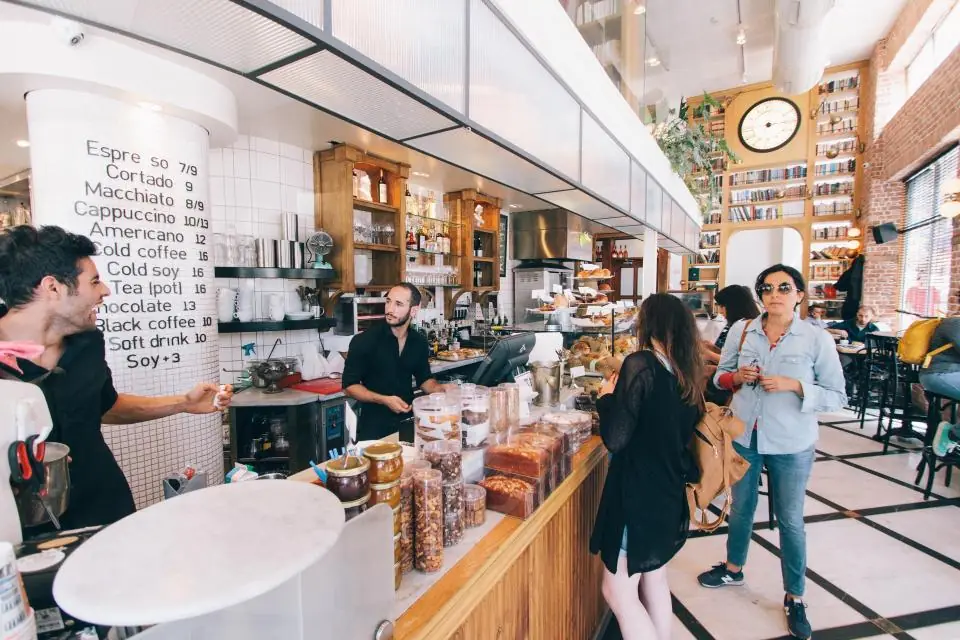
What makes cafe feedback different
Visits last minutes
Grab-and-go customers will not fill in a long survey. If the form takes more than about thirty seconds, most people close it.
Consistency is everything
Regulars notice when the coffee tastes different on a Sunday or when a new barista starts. You need a steady stream of small signals to catch it.
Regulars rarely complain
Loyal customers often just stop coming instead of saying something. A low-effort, private way to speak up keeps them talking to you.
How cafes use Custovra
Counter, cup and table codes
Print the QR code on a counter stand, a cup sleeve sticker and table cards. One form per location keeps branch results apart.
Two-question forms
A star rating and an optional comment is often enough. Turn on step-by-step mode to show one question per screen on phones.
Barista recognition
Let customers pick their barista and rate them. Use the results to recognise great service and to spot who needs support.
Spot quality dips
Watch the average rating by week. A drop after a bean change, a new supplier or a new hire shows up quickly in the trend.
Questions that suit a cafe
Pick two to four. Short forms get more answers, and more answers make your averages more reliable. See how to collect feedback in-store for more ideas.
- How was your coffee today? (1 to 5 stars)
- How was the service? (1 to 5 stars)
- Who made your order? (employee field)
- What is one thing we could do better? (optional comment)
- Was your order ready when you expected? (Yes / No)

Where to put your QR codes
- A stand next to the till, where people wait for their order
- Stickers on cup sleeves or takeaway bags
- Table cards for customers who sit in
- On the receipt, if your POS lets you print a custom line or image
- Near the pickup point, where customers pause for a few seconds

Features cafes rely on
All available in Custovra today. The pricing page shows which plans include each feature.
Fast on any phone
The form loads in the browser from a QR scan. No app and no sign-up for your customers.
Looks like your brand
Match your cafe's colours, logo and font so the form feels like part of the visit.
Know when someone is unhappy
Email alerts for new feedback mean a bad experience can be followed up the same day.
One form per branch
Separate forms and QR codes for each cafe, with reports that compare them.
Cafes: frequently asked questions
How short should a cafe feedback form be?
Two to four questions is a good range. A star rating, an optional comment and, if you want to recognise staff, a barista field. Customers should be able to finish in about thirty seconds.
Can customers leave feedback without downloading an app?
Yes. They scan the QR code with their phone camera and the form opens in the browser. They do not need an account.
Can I see feedback for each of my cafes separately?
Yes. Create a form for each location. Each has its own QR code and link, and reports compare locations. How many forms you can have depends on your plan.
Should I offer a discount for leaving feedback?
A small thank-you for private feedback can lift response rates. Do not offer rewards for public reviews on sites like Google, whose policies do not allow incentivised reviews.
Related reading
Start hearing from your customers this week
Create your first feedback form, print its QR code, and see responses arrive in real time. Every plan starts with a 14-day free trial.