
For retail stores and chains
In-store customer feedback for retail, from the till to the fitting room
Online stores get reviews on every order. Physical stores usually get silence. Custovra gives shoppers a quick way to rate their visit and the staff who helped, and gives you a report for every branch.

The retail feedback gap
Shoppers leave without a word
A shopper who could not find a size or waited too long at the till usually just leaves. You never hear why the sale did not happen.
Service varies by person and shift
Your best salespeople set the standard, but without customer ratings it is hard to show what good looks like or to coach the rest.
Branches are hard to compare
Sales figures tell you which branch earns more, not which one treats customers better. Feedback scores fill that gap.
How retailers use Custovra
Till and fitting room codes
Place QR codes at the till, in fitting rooms and on shopping bags. Customers rate the visit while it is fresh.
Rate the person who helped
An employee field lets shoppers name the staff member who helped them, so great service gets noticed.
A route for complaints
Give unhappy customers a private complaint form and an email alert to the store manager, before the complaint goes public.
Branch league tables
Compare average ratings and response counts across branches, and follow each store's trend week by week.
Questions for a retail feedback form
Focus on what you can change in the store: help, stock, queues and the till. Learn how to turn scores into numbers you can track in how to measure customer satisfaction.
- How would you rate your visit today? (1 to 5 stars)
- Did you find what you were looking for? (Yes / Partly / No)
- Who helped you today? (employee field with ratings)
- How long did you wait to pay? (Under 2 min / 2 to 5 min / Over 5 min)
- What could we do better? (optional comment)

Where to put your QR codes
- At the till, facing the customer while they pay
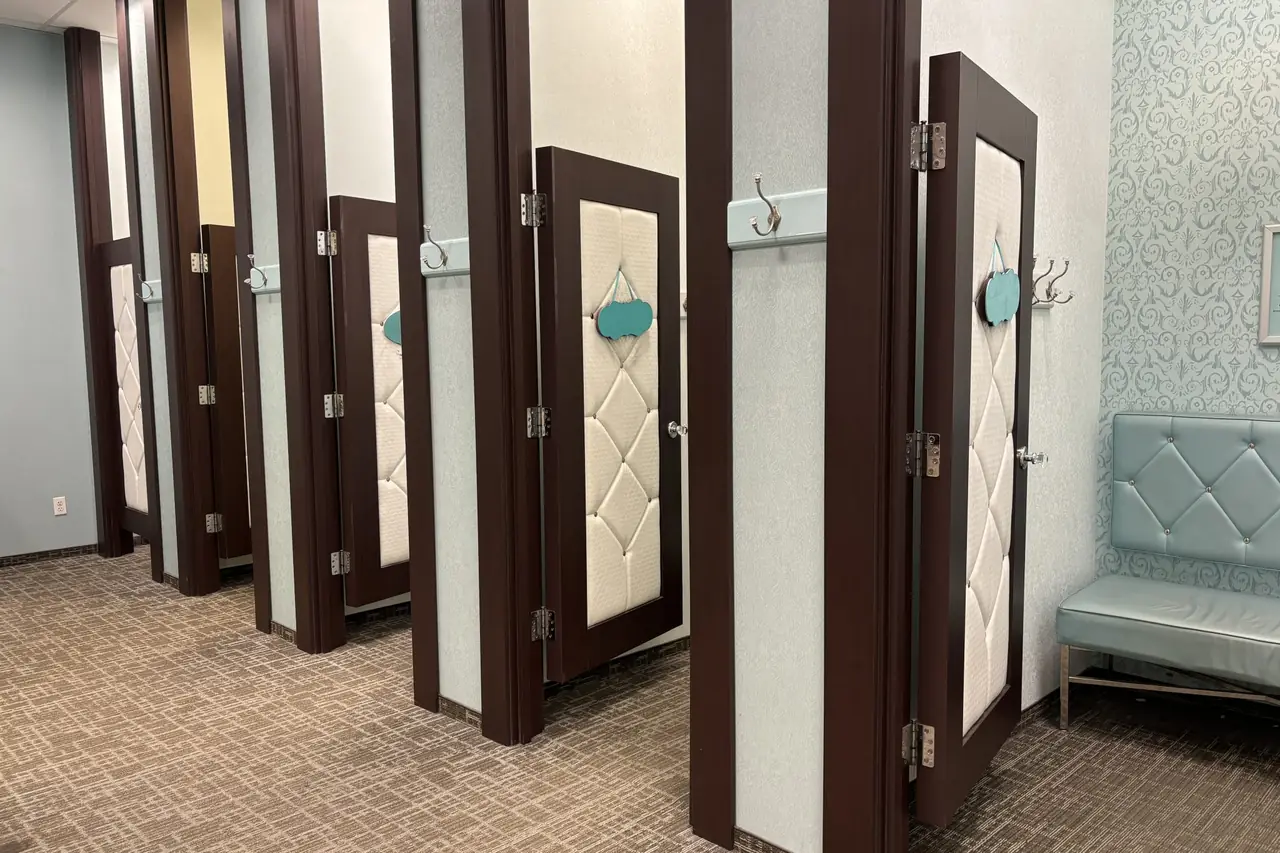
- Inside fitting rooms, at eye level
- On shopping bags and receipts
- On shelf-edge cards in departments with complex products
- At the store exit
Features retailers rely on
All available in Custovra today. The pricing page shows which plans include each feature.
One form per store
Each branch has its own QR code and link, and reports compare branches.
Manager alerts
New feedback is emailed to the store manager, so issues are handled the same day.
Exportable reports
Download reports as PDF and responses as CSV for area managers and head office.
On-brand forms
Use your logo and colours so the form looks like part of the store.
Retail Stores: frequently asked questions
How can a physical store collect customer feedback?
The simplest way is a QR code at the till, in fitting rooms and on bags that opens a short feedback form on the shopper's phone. Custovra gives every form its own QR code and link, and collects the answers in one dashboard.
Can customers rate individual sales staff?
Yes. Add an employee field so shoppers can choose who helped them and rate them on friendliness, knowledge and communication. Employee management is part of selected plans.
Can head office see results for every branch?
Yes. Create a form per branch and compare them in reports. You can also invite managers to your account so they can see results. The number of forms and managers depends on your plan.
Can I export the feedback?
Yes. Responses can be exported to CSV, and reports can be downloaded as PDF.
Related reading
Start hearing from your customers this week
Create your first feedback form, print its QR code, and see responses arrive in real time. Every plan starts with a 14-day free trial.