
For hotels, guesthouses and resorts
Hotel guest feedback you can act on before checkout
Post-stay surveys tell you what went wrong after the guest has left. Custovra puts a QR code in the room, at reception and in the restaurant, so guests can flag a problem while there is still time to fix it.
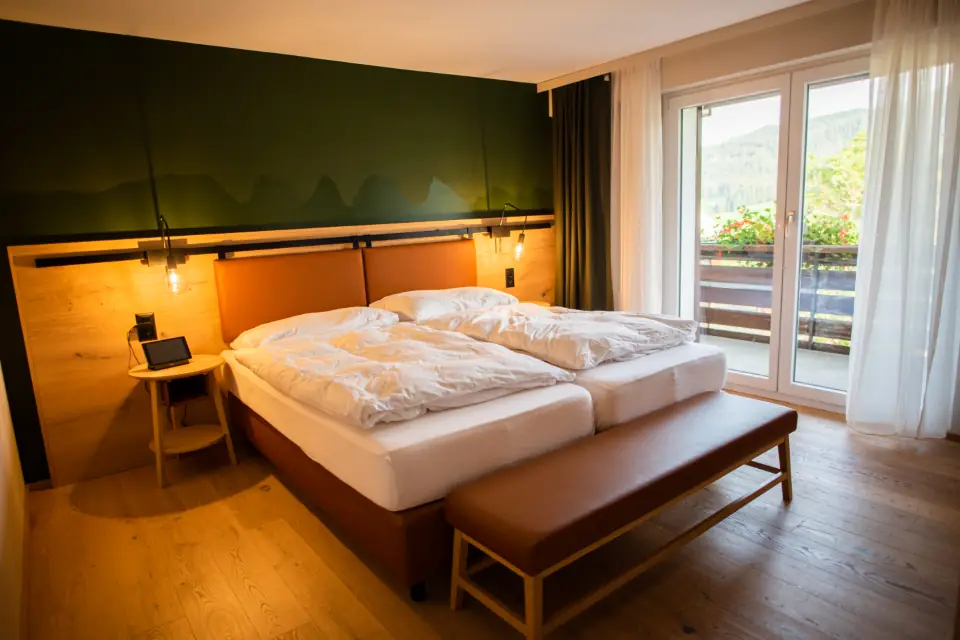
Where hotel feedback usually falls short
Feedback arrives after checkout
An email survey a day after departure cannot rescue a stay. A broken air conditioner reported on night one can be fixed on night one.
Many departments, one score
Front desk, housekeeping, restaurant and spa all shape the stay. A single overall score does not tell any of them what to change.
Guests avoid confrontation
Many guests will not call reception to complain, but they will write about it later. A private form gives them a comfortable way to tell you now.
How hotels use Custovra
In-stay QR codes
Place a code on the room information card, the desk and the bathroom mirror so guests can report an issue or share praise at any time.
A form per department or property
Use separate forms for rooms, the restaurant and the spa, or one per property, so each team sees its own results.
Rate front desk and housekeeping
An employee field lets guests name the person who helped them, which makes recognition and coaching specific.
Alerts to the duty manager
Send each response to the duty manager's email so in-room problems reach someone who can act on them during the stay.
Questions for an in-stay hotel form
Keep in-stay forms short and practical, and ask for a room number so you can follow up. Our hotel guest feedback questions guide covers every stage of the stay.
- How is your stay so far? (1 to 5 stars)
- How clean and comfortable is your room? (1 to 5 stars)
- Is there anything we can fix for you right now? (comment)
- Which team member helped you? (employee field)
- Room number (optional, so we can follow up)
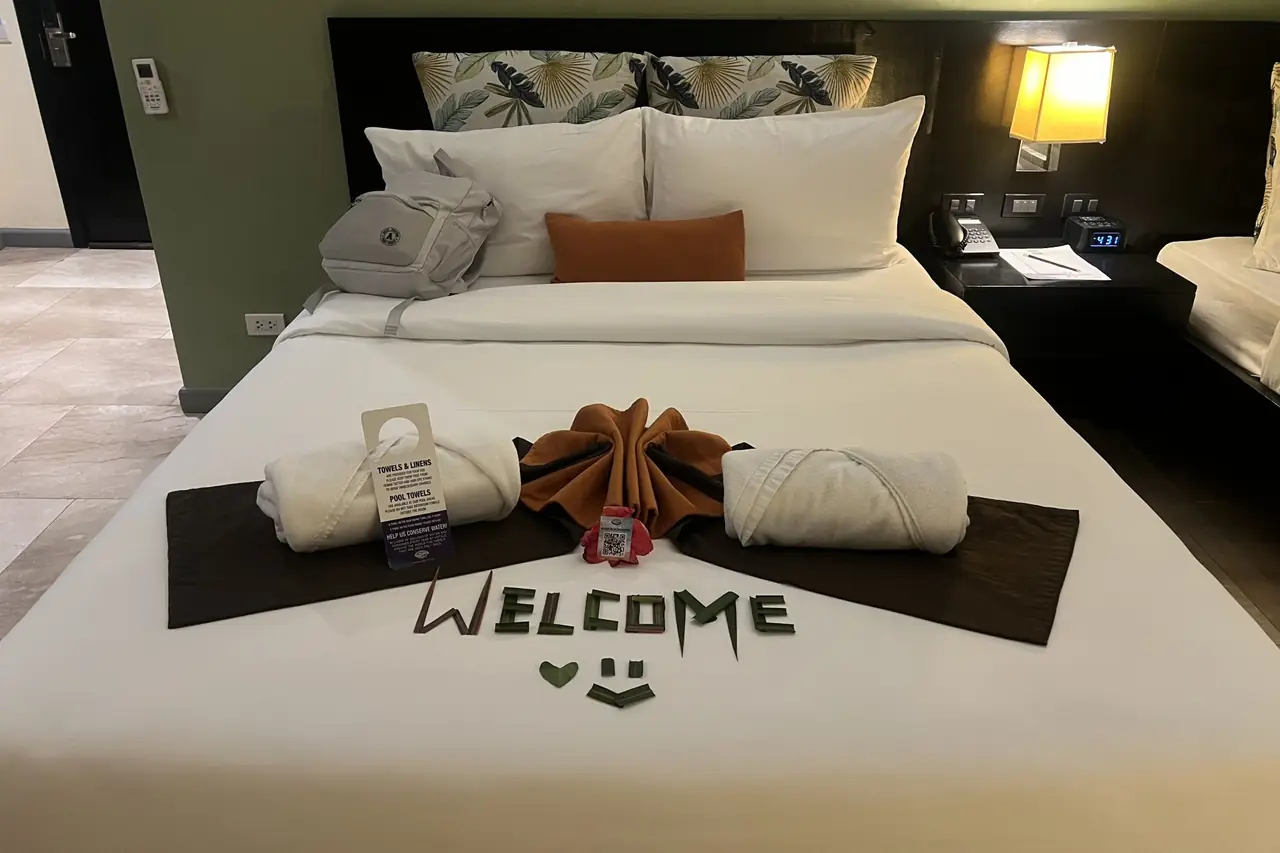
Where to put your QR codes
- The in-room information card or welcome letter
- A small stand on the desk or bedside table
- The front desk, for guests waiting to check in or out
- Restaurant and breakfast tables
- Spa, pool and gym reception points

Features hotels rely on
All available in Custovra today. The pricing page shows which plans include each feature.
Works on guests' own phones
No app and no login. Guests from anywhere can scan and answer in the browser.
Photos of the problem
Guests can attach a photo of a fault, so maintenance knows what to bring.
Department reports
Compare ratings across forms for rooms, restaurant and spa, and follow trends over time.
Branded forms
Your logo, colours and fonts, so the form looks like it belongs to your hotel.
Hotels: frequently asked questions
Should hotels collect feedback during the stay or after checkout?
Both have a place, but in-stay feedback is the one you can act on. A QR code in the room lets guests report a problem while there is still time to fix it, and post-stay surveys then tell you about the stay as a whole.
Can guests tell us which staff member helped them?
Yes. An employee field lets guests choose a team member and rate them on friendliness, knowledge and communication. Employee management is included on selected plans.
Can I use separate forms for rooms, the restaurant and the spa?
Yes. Each form has its own QR code, link and results, and reports compare them. The number of forms you can create depends on your plan.
Do international guests need to install anything?
No. The form opens in the phone's web browser after scanning the QR code, and no account is needed.
Related reading
Start hearing from your customers this week
Create your first feedback form, print its QR code, and see responses arrive in real time. Every plan starts with a 14-day free trial.